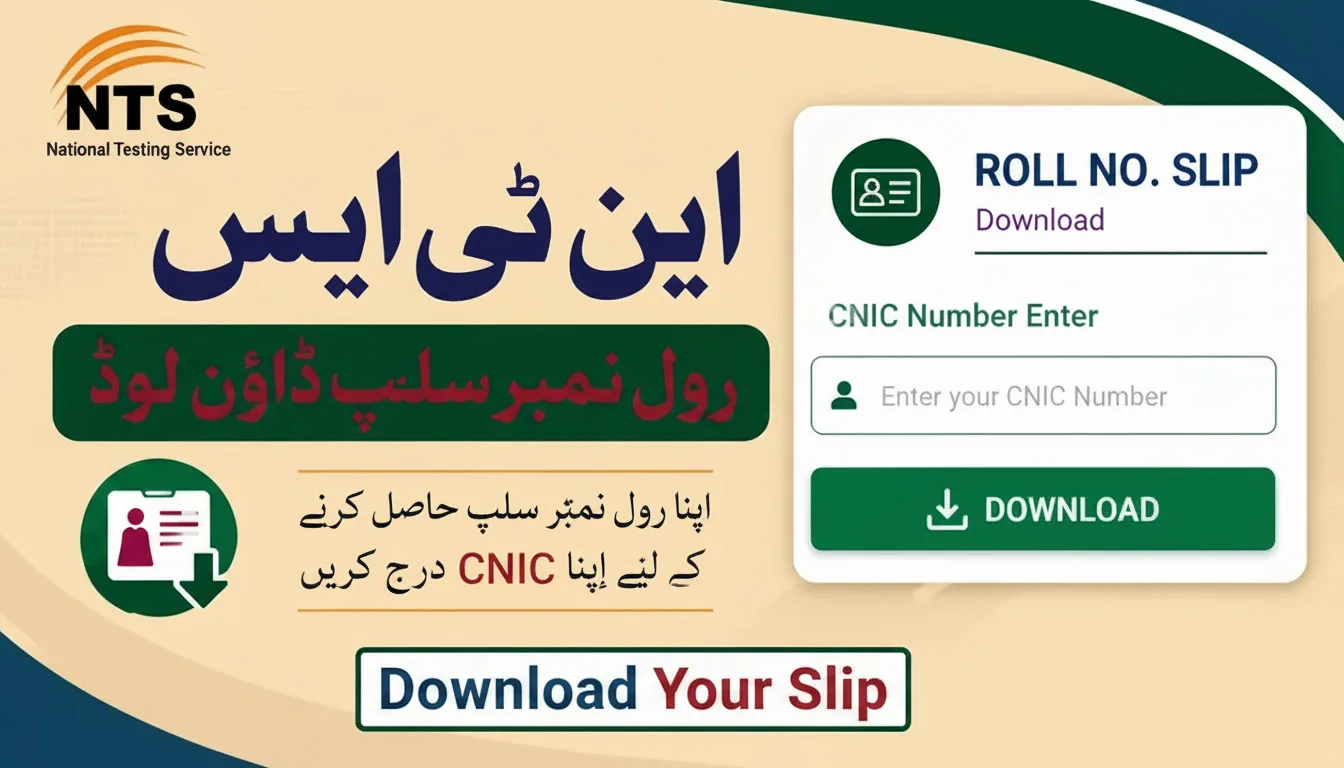
NTS Roll No Slip Download — Everything You Need to Know
So your NTS exam date is coming up. You’ve done the preparation. But wait — do you have your NTS Roll No Slip yet? Many candidates forget this part. And without it, you simply can’t enter the exam hall.
Let me walk you through everything simply.
What Is the NTS Roll No Slip?
It’s basically your entry pass for the test. The NTS Roll Number Slip is an official document that confirms you’re registered for the exam. It carries your roll number, exam center address, reporting time, and test date.
And yes — if you show up without it, the invigilator won’t let you in. That’s the rule. So don’t take it lightly.
Why You Should Download It Early
Don’t wait for the last day. Seriously. The NTS portal gets a lot of traffic near exam dates. The website can slow down. Sometimes it takes a few tries before things load properly.
Download your NTS Roll No Slip at least 2 to 3 days before your test. Print two copies. Keep one at home, carry one with you.
How to Download NTS Roll No Slip by CNIC
The NTS Roll No Slip download by CNIC method is the most common way. Here’s how you do it step by step.
Step 1 — Go to the official NTS website. The candidate portal link is: nts.org.pk/new/candidates.php
Step 2 — Enter your CNIC number. Type it without dashes. So instead of 35201-1234567-8, write 3520112345678.
Step 3 — Hit the search or login button. Your slip should appear on screen.
Step 4 — Download it. Print it on A4 size paper. Check that everything is clear and readable.
Simple as that. But make sure you enter your CNIC correctly. Wrong digits mean no results.
The NTS Candidate Login Portal
The NTS login candidate portal is where everything happens. It’s not just for downloading slips. You can also check your application status, see test schedules, and get any exam updates.
It works on both mobile and desktop. So if you’re at home on a laptop or on your phone during lunch break — you can access it from anywhere. Just keep your CNIC and login password ready.
Common Problems People Face
Look, not everything always goes smoothly. Here are a few issues candidates commonly run into:
Slip not showing up — This usually means your application isn’t confirmed yet. Or maybe it hasn’t been uploaded. Wait a day and try again.
Wrong CNIC entry — Double-check before clicking search. One wrong digit and nothing shows.
Forgot password — Use the “forgot password” option on the portal. They’ll send you a reset link.
Slow website — Try early morning. Less people online at that time. Pages load faster.
Blurry printout — Save the slip as PDF first. Then print from PDF. Much clearer results.
What Details to Check on Your Slip
Once you have your NTS Roll Number Slip in hand, don’t just print and forget it. Actually read it. Check these things:
Your full name — Is it spelled correctly? Your CNIC number — Matches your ID card? Test center address — Know where it is before the day. Reporting time — Don’t confuse it with the exam start time. Exam date — Confirm it matches what you applied for.
If anything looks wrong, contact NTS right away. Don’t wait.
Carry These on Exam Day
Along with your printed NTS Roll No Slip, carry your original CNIC. Some centers also ask for an additional ID. Check the instructions on your slip carefully. And arrive at least 30 minutes early. Late arrivals often aren’t allowed in.
Final Words
Getting your NTS Roll No Slip download by name CNIC is really not complicated. The process takes maybe 5 minutes if everything is in order. But leaving it for the last minute? That’s where the stress starts.
So go check the NTS login candidate portal today. Download your slip. Print it. And walk into that exam with zero tension about paperwork. You’ve got enough to focus on already — the test itself.