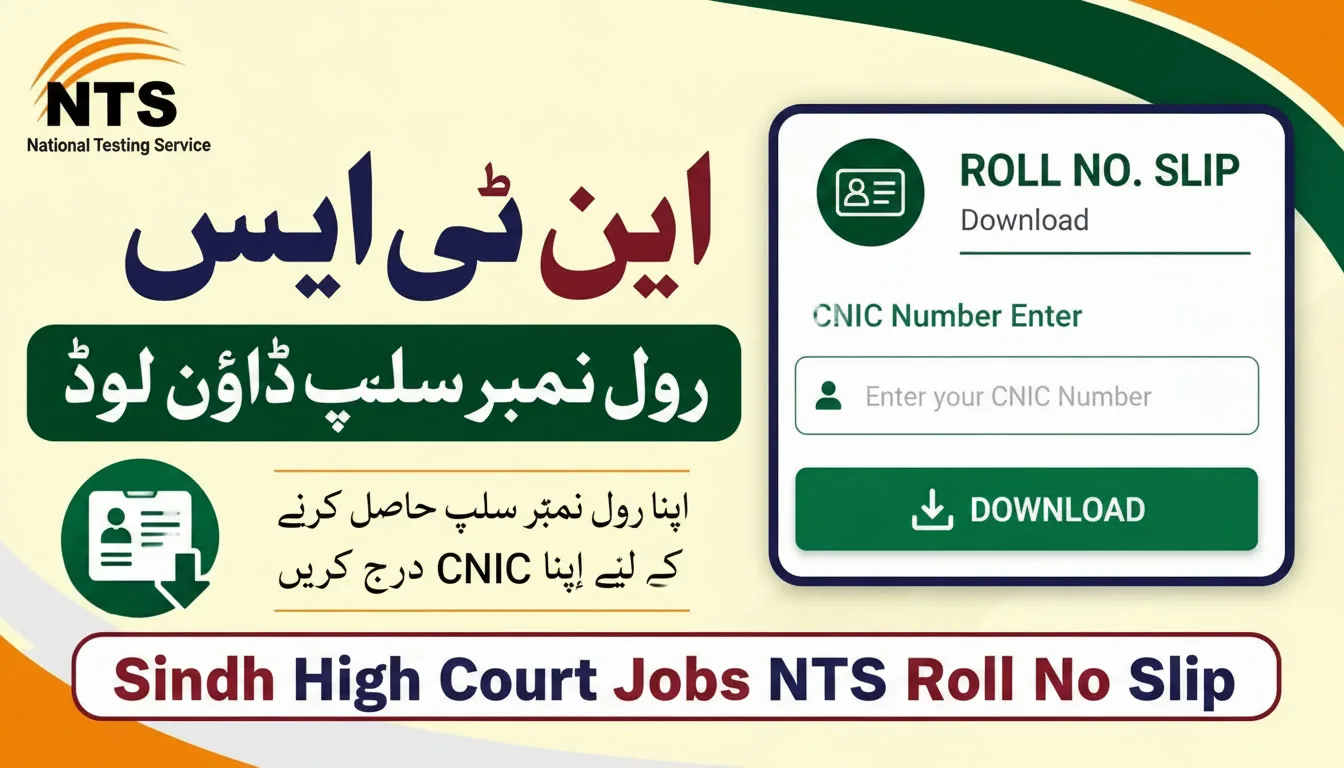
You applied for a Sindh High Court job and are waiting to see where your roll number slip is. Trust me, you’re not alone. Every test cycle, hundreds of applicants panic because they can’t find their slip or don’t know how to download it.
What Is the NTS Roll No Slip?
The NTS roll number slip is basically your entry pass for the written test. Without it, you cannot walk into the exam hall. Simple as that.
NTS (National Testing Service) handles the recruitment testing for Sindh High Court. Once your application is accepted, they generate a roll number slip for you. It has your name, test date, test center, and your unique roll number.
How to Download Sindh High Court Jobs NTS Roll No Slip
- Go to the official NTS website: nts.org.pk
- Look for the “Roll Number Slip” section on the homepage
- Click on the relevant test or job title you applied for
- Select the option to search by name
- Enter your full name exactly as written on your CNIC
- Also, enter your father’s name if the form asks
- Click the search or submit button
- Your slip will appear on the screen
- Download and print it immediately
How to Download NTS Slip by CNIC
- Open the official NTS website: nts.org.pk
- Find the “Roll Number Slip” or “Download Slip” section
- Choose the job or test you registered for
- Select the search by CNIC option
- Enter your 13-digit CNIC number without dashes
- Double-check the number before hitting submit
- Click the search button
- Your roll number slip will show up on the screen
- Click download or print
- Keep at least 2 printed copies with you on test day